.jpg)
CultureConnect Member Features: Adding Event to our Calendar

One of the many wonderful benefits of being a South Jersey Cultural Alliance member is our events calendar on CultureConnect. Members have the benefit of not just a public facing profile on our map but also a public facing event calendar that can help you reach brand new audiences.
Step 1. Go to https://www.sjca.net
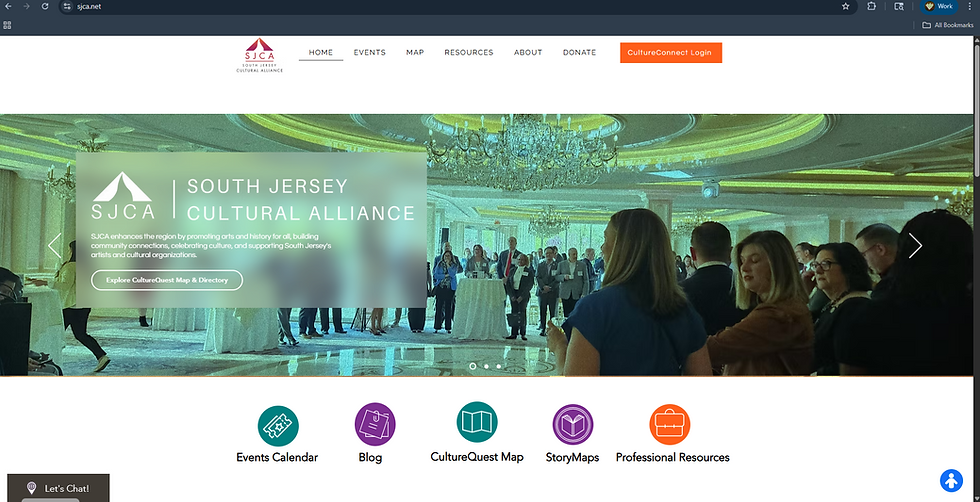
Step 2. Log into CultureConnect

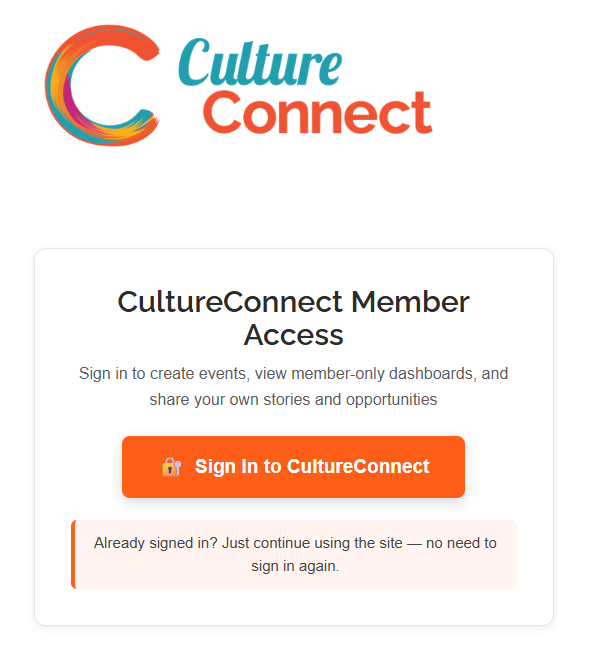

After logging in, scroll down to the "Start Here" section and locate the square labeled "Submit Your Events". This should be found beneath "Update Your Profile". Click on "Submit Your Events" to go to the events submission form.

Filling out the Form:
Identifying the target audience for this event is crucial, whether it's CultureQuest or CultureConnect. An event can only have ONE designated audience, which dictates who can access it. CultureConnect is intended for colleagues in the arts and culture sector, while CultureQuest targets programming for the general public. If your submission is relevant to both the general public and the sector, you must submit it twice—once for CultureConnect and once for CultureQuest—to appear on both calendars.

Next, provide a brief title and description for your event. You have up to 4000 characters to elaborate on your event details. We recommend creating a succinct description that clearly informs the audience about the event's content and the benefits of attending.
Choose a category: art, history, art & history, environmental, festivals & cultural destinations, creative businesses, unknown/other. You may only choose ONE category. These categories are meant to help audience's filter by interest to better curate their search for events and programming.

While optional, we strongly encourage you to upload an event image. Formats supported for uploads are PNG & JPEG. If you run into an error uploading an event photo email info@sjca.net for assistance and we will assist you as soon as possible.
If you have a specific registration page or a page with crucial information on your site add it to the event url here. Once this event shows up on the calendar it will propagate as a button for the public to navigate to that information.
Organizer Name and Email automatically propagate your Organization name and email from your account, however, this part of the form is customizable if you need to change it.

Sponsor Name and Url: If you have a specific sponsor for the event you are promoting provide their name and link here.

Where: Specify the event's location. It can be In-person, Online, or Both. For In-person events, include the venue name and address. For online events, provide a URL for attendance. If it's both, supply all necessary details.

When: Decide if this is an all-day event. If it is, the form will ask for the date and start time.
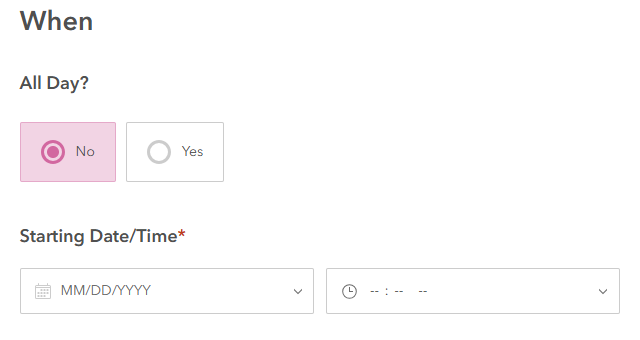
If it is NOT an all day event you will have to enter the Starting and Ending Time and Date.

After completing the form, click the button labeled "Click here to submit your event" at the bottom to finalize your submission. Once submitted, your event will be sent to the staff for detail confirmation and approval for public viewing.


Comments